
Blips on the Radar

Cover Image for VirusTotal Firefox Browser Extension

Something I try to share with people is the need to test links before you click them. Not all links, but anything suspicious. For me that means anything I receive via email.

VirusTotal has been a tool/service I’ve been using for a long while. Their browser extension facilitates the scanning of suspicious links by situating the functionality into the context sensitive menu triggered by a right click.
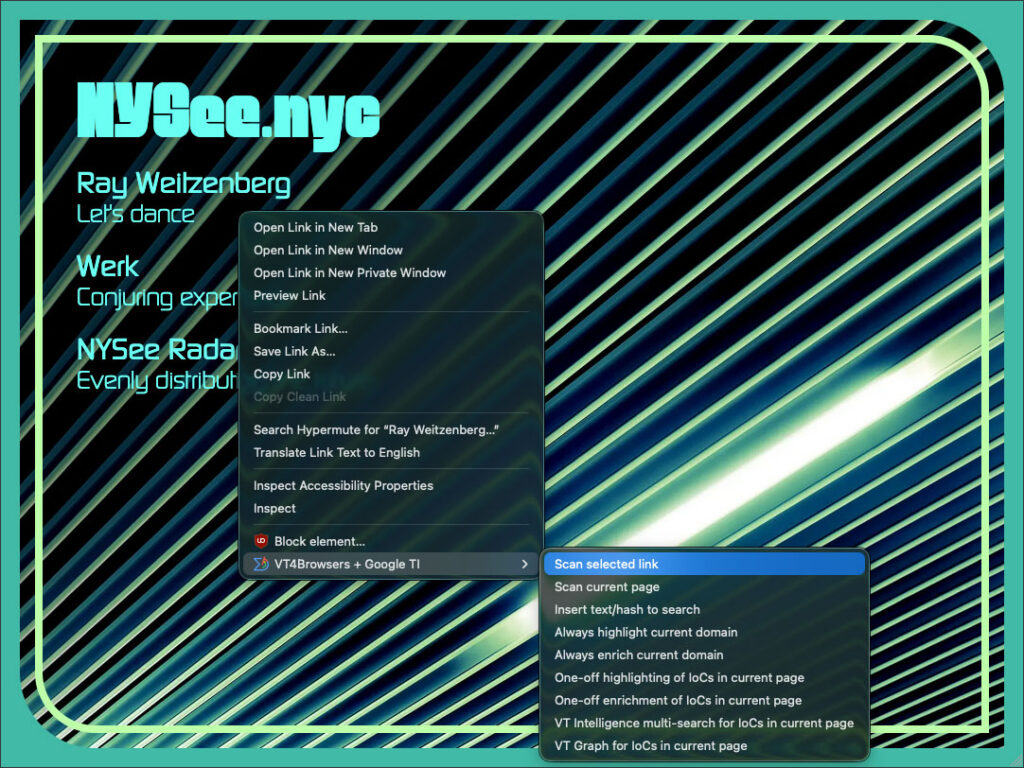
Screenshot of the NYSee.nyc homepage. A context sensitive menu is displayed with the item, "Preview of VT4Browsers + Google TI
VT4Browsers + Google TI" toggled open and the option "Scan selected link" highlighted.
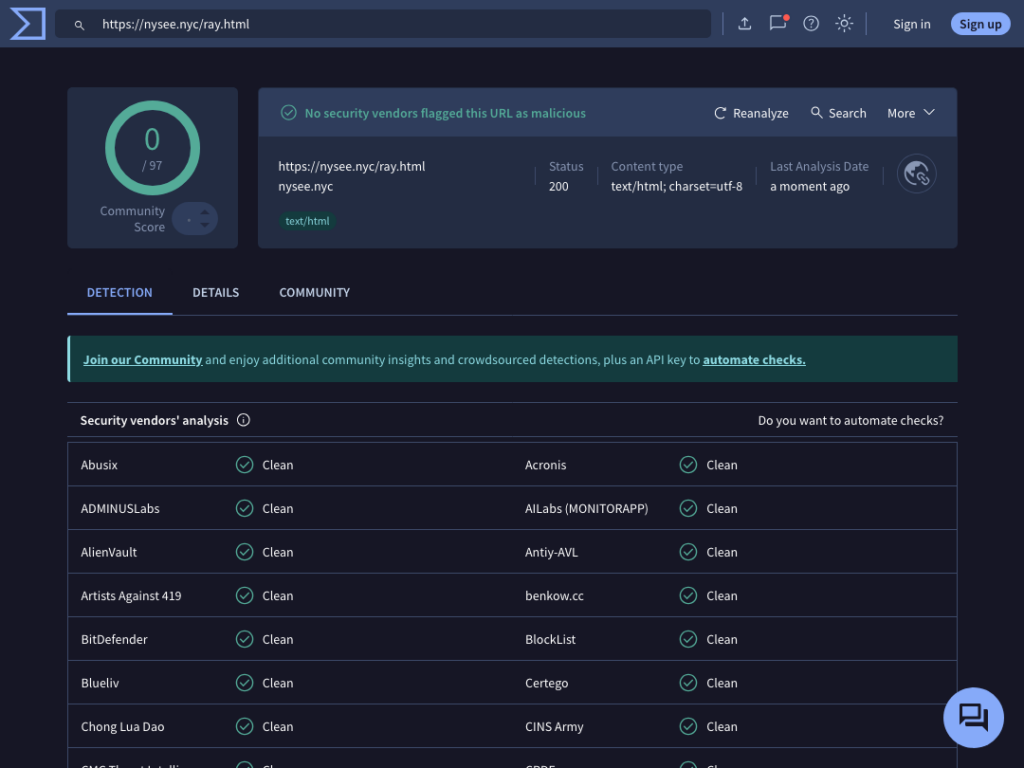
Screenshot of a VirusTotal URL scan results page. Information about the safety of the scanned link is displayed with the summary up top and the indiviual vendors scan results are displayed in a table below.

Selecting that menu option triggers the VirusTotal URL scan page to open and initiates the scan of that link. Results of that scan are returned and from those you can decide for yourself if you trust what’s on the other side of that link.
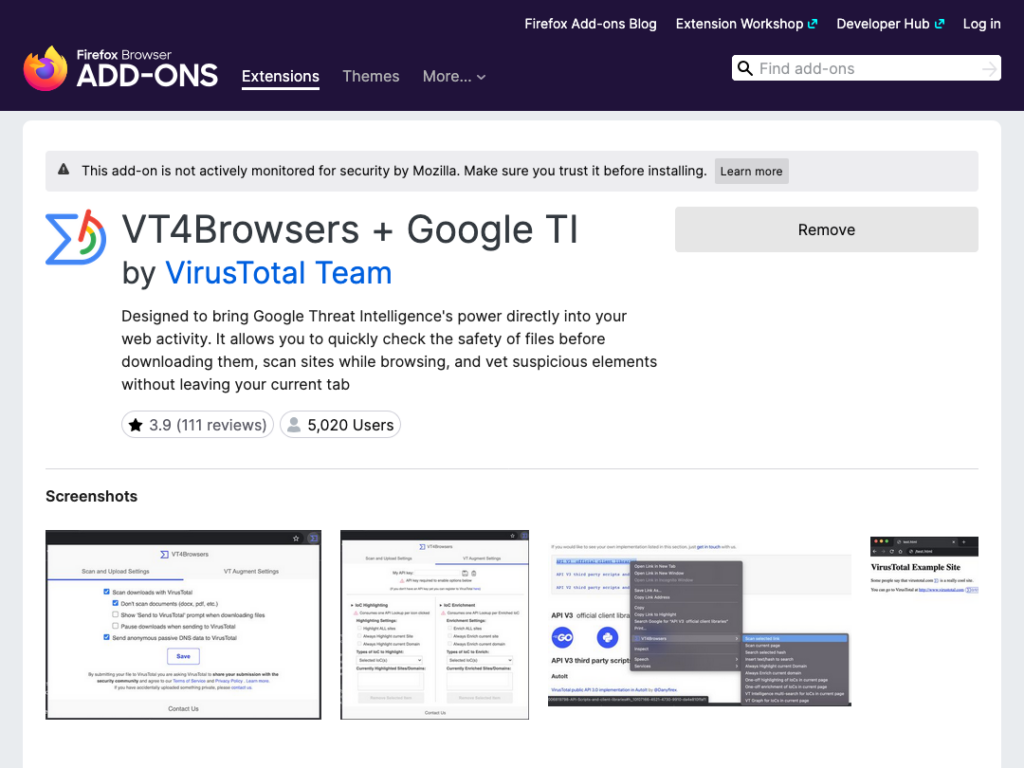
Screenshot of the VT4Browsers + Google TI firefox extension page. Details about the extension are displayed with a "Remove" button to their right. Below are screenshots showing the functionality of the extension.

May your clicks be merry and bright

https://addons.mozilla.org/en-US/firefox/addon/vt4browsers

#firefox·#firefox extension·#privacy·#security·#VirusTotal